AI will not replace you. But someone who knows how to use AI will. This program gives working professionals and educators the practical AI skills to work faster, produce higher-quality output, and stay relevant in a job market that is changing faster than any training program can keep up with.

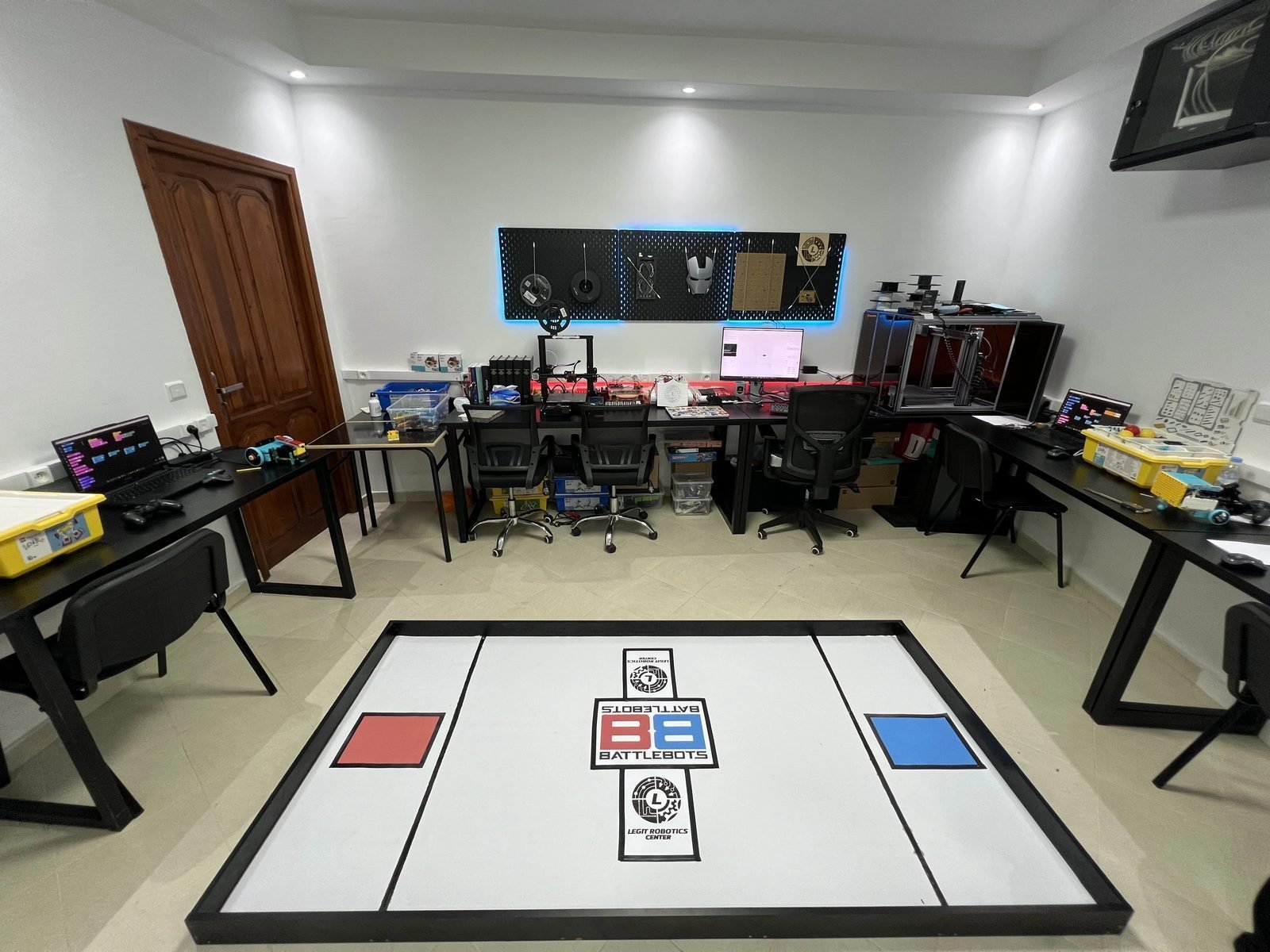
Un aperçu de ce programme en action — projets, réalisations et démonstrations.


Six modules, each focused on a real workflow. Every session is hands-on — you bring your laptop, your actual work tasks, and you leave with skills you'll use immediately.
The foundation of everything. Most people use AI chatbots like a search engine — they type vague questions and get vague answers. This module teaches you prompt engineering: the art and science of writing instructions that get AI to do exactly what you need, consistently and professionally.
Most professionals spend 40–60% of their time writing: emails, reports, proposals, presentations, lesson plans. This module teaches a human-AI collaboration workflow: you provide the structure, the context, and the judgment — AI handles the drafting, formatting, and iteration.
You don't need to be a data analyst to benefit from AI-powered data tools. Teachers learn to analyze student performance data. Managers learn to build dashboards. Business owners learn to extract trends from sales figures. Everyone learns to let AI handle the Excel formulas they've been struggling with for years.
You no longer need a graphic designer for every flyer, social media post, or presentation visual. Teachers learn to create engaging classroom materials. Business owners learn to produce marketing visuals and branded materials. Everyone learns the principles of good visual communication alongside the AI tools that make it accessible.
The biggest productivity gains from AI don't come from content creation — they come from automating the repetitive workflows that consume hours of your week. From auto-sorting emails to generating weekly reports to connecting your calendar with your task manager — you'll learn to build workflows that run themselves. No coding required.
The most dangerous professional is one who trusts AI blindly. This final module teaches critical thinking skills for AI: where AI consistently fails, how to detect hallucinations, when NOT to use AI (legal documents, medical advice, sensitive communications), and how to develop an AI policy for your workplace or classroom.
While the core modules are shared, we customize exercises and projects based on your professional context.
Create differentiated lesson plans in minutes. Generate quiz questions with customizable difficulty. Automate grade calculations and progress reports. Develop honest AI usage policies for students. Translate materials across Arabic, French, and English.
Draft client proposals at professional quality. Create marketing content and email campaigns. Automate CRM tasks and follow-ups. Build SOPs and training documentation. Generate financial summaries and performance reports.
Every session, you work on YOUR actual tasks. Writing a real report? Bring it. Preparing a lesson plan? We'll build it together with AI.
Maximum 12 participants per cohort. Everyone gets personal attention, individual troubleshooting, and feedback on their specific use cases.
Each module builds on the previous. By Module 4, you're combining conversational AI + documents + data + visual design into seamless workflows.
Your teachers are AI engineers and researchers. When AI gives you a wrong answer, they can explain why. When a tool has a hidden capability, they know it.
Between sessions, receive an "AI Challenge" — a specific task to complete using the tools learned that week, applied to your real work.
AI tools change constantly. Enrolled participants receive ongoing updates when major tools launch or get significant upgrades.
The most widely used AI assistant. Text generation, analysis, code, image creation with DALL-E, and Advanced Data Analysis.
Exceptional for long documents, nuanced writing, and careful analysis. Best for professional document creation.
Deeply integrated with Google Workspace. Best for professionals using Gmail, Docs, Sheets, and Drive.
Built into Microsoft 365. Essential for Word, Excel, PowerPoint, and Outlook ecosystems.
The most accessible design platform. Professional visuals, presentations, social media graphics, and branded materials.
All-in-one workspace for notes, projects, wikis, and databases — with AI built into every feature.
No-code automation platforms. Connect your apps and build workflows that run automatically.
High-capability open model. Understanding its strengths gives you more flexibility and cost awareness.
Draft emails, reports, proposals, and documents in a fraction of the time — with higher quality and consistency.
Produce polished graphics, presentations, and marketing materials using AI design tools — even with zero design experience.
Upload spreadsheets, ask questions in plain language, and get charts, summaries, and insights — no formulas required.
Build no-code automations for email sorting, report generation, and cross-app workflows — saving 5–10 hours per week.
Know when to trust AI, when to verify, and when to do it yourself. Understand limitations and detect hallucinations.
Have a framework for evaluating and adopting new AI tools as they launch — not just today's tools, but whatever comes next.
Once per week. Evenings or weekends available.
Small cohorts ensure everyone gets personal attention and individual troubleshooting.
One module per week + ethics module + integration project. No coding or technical background required.
Weekday evenings, 7:00–9:00 PM. Designed for working professionals.
Saturday mornings, 9:00–11:00 AM. For those with weekday constraints.
We come to your school, company, or organization. Customized curriculum. Minimum 8 participants.
Register for the next cohort and start using AI to work faster, produce better output, and stay ahead of colleagues who are still doing everything manually.